Video
Watch in English
FIN: Four Print Modes and Free Label Software
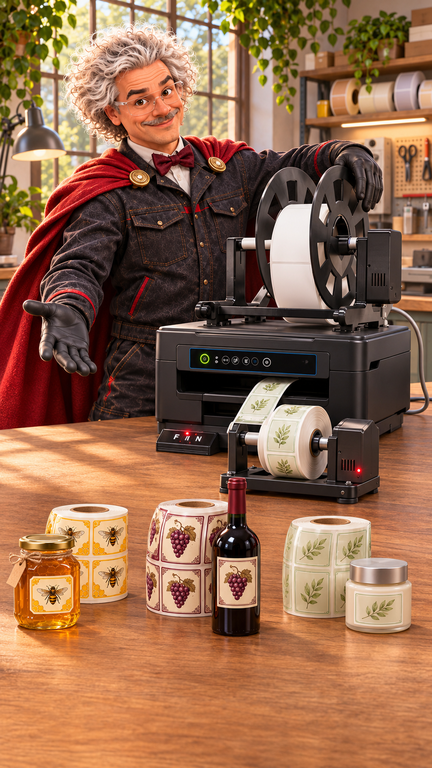
One printer for different jobs: an A4 document, white labels, transparent labels and a continuous roll. In this new presentation, I show how we select a FIN printing mode, prepare labels and label a parcel for dispatch. The video is in English.
Four printing modes
Find the M button on the control panel, between Feed and the single-label button. Use it to select the mode for your loaded material. On the version shown in the video, the lights indicate the following settings:
- A4 paper: all four lights stay off.
- White die-cut labels: an upper light selects the gap-sensor setting.
- Clear labels: for material with a black registration mark on its liner, use a lower light.
- Continuous roll: both left lights are on. Print crop marks for later cutting on a separate cutter.
Before a longer run, check the selected mode, media path and alignment of the first print. This makes switching between jobs easier to follow.
Free Label Designer included
FIN includes our Svet Crnil Label Designer software for preparing and printing labels. Import existing EasyLabel and NiceLabel templates to reuse your designs when you switch systems. After importing, check the dimensions, fonts and layout, then make a test print.
Learn more about Svet Crnil Label Designer
Built close to our customers
We build the FIN system in Europe and 3D-print its custom parts in Slovenia. At Svet Crnil, we bring together the printer, software and help with setup. In the closing scene, FIN prints the shipping label before we pack the printer and prepare it for dispatch to the customer.
Order FIN and see the current offer
Order the FIN label printer online. Check the product page for the current price, promotion, included equipment and delivery terms.